Choosing an Nvr Camera manufacturer involves more than comparing resolution or advertised channel counts. Buyers also need dependable recording, clear product documentation, practical software, and support that remains available after installation. China has a broad security-camera industry, with suppliers serving residential, commercial, and industrial projects. The range is wide. That makes careful comparison useful.
This guide examines ten notable manufacturers and the factors that help distinguish them. It considers product portfolios, network video recorder features, camera compatibility, firmware maintenance, and service options. Details matter: a recorder’s drive bays, PoE capacity, search tools, and mobile viewing experience can shape daily use. Compatibility claims should be checked against the exact camera and recorder models, not assumed from a logo or a brief specification sheet. Small checks save trouble.
A ranked list cannot replace a site assessment. Lighting, cable distance, storage needs, network limits, and local support can change which brand fits best. Some product pages are easier to compare than others, and specifications may change. That is worth acknowledging. Readers should verify current model details, warranty terms, and software-update policies directly with manufacturers or authorized distributors before purchasing. The companies featured here offer a starting point for research, not a universal verdict. The best choice is the one that performs reliably in the conditions where it will actually be installed.
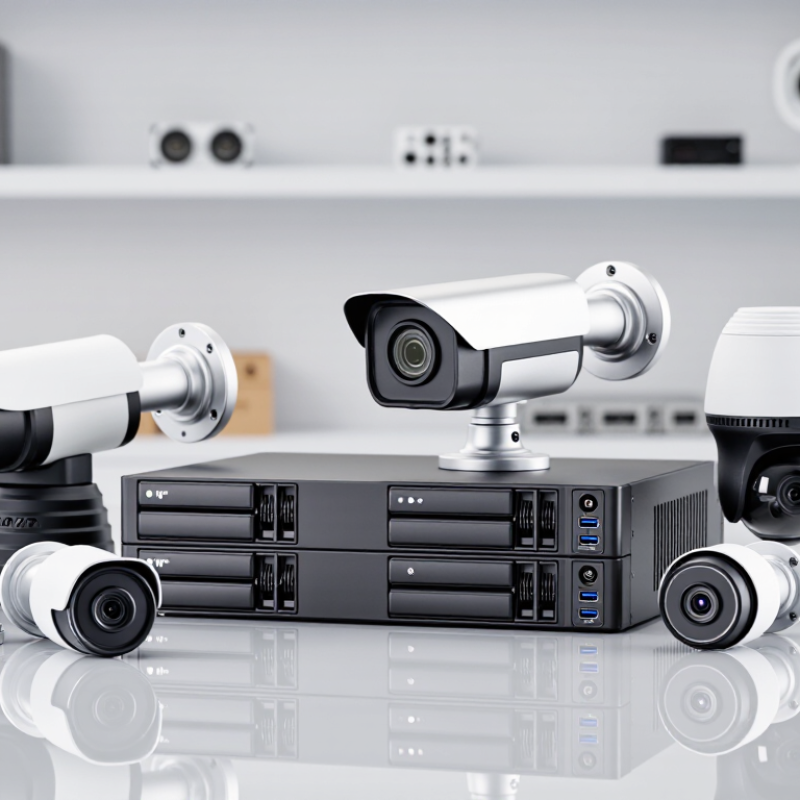
An NVR, or network video recorder, manages footage from IP cameras over an Ethernet network. Each camera captures images, converts them into digital video, and sends the stream to the recorder. The NVR organizes footage by camera and time, then stores it on internal or network-connected drives. Many systems also support live viewing, playback, motion alerts, and remote access. It is not magic. A weak network can still cause delays or dropped footage.
Unlike a traditional DVR, an NVR usually receives video that cameras have already processed. Some setups use Power over Ethernet, carrying power and data through one cable. The recorder’s software compresses and indexes streams, making searches easier. Resolution, frame rate, and retention days all affect storage needs. Grand View Research estimated the global video surveillance market at USD 53.7 billion in 2023 and projected a 12.7% compound annual growth rate from 2024 to 2030. That growth makes practical system planning more important, not less.
Tips: Check camera compatibility, network capacity, and storage estimates before installation. Test playback from a busy scene, not just an empty hallway. One detail is easy to miss: higher resolution can fill drives faster than expected.

When comparing Chinese NVR camera manufacturers, evaluate evidence, not just advertised resolution. Request sample units and record footage at dusk, under backlight, and during fast movement. Check whether details remain usable after compression, rather than relying on a high pixel-count claim. Test recording stability with every channel active. Small details count.
Confirm that cameras and recorders communicate through documented standards and provide useful settings, such as stream profiles, time synchronization, and event metadata. Review firmware update history, vulnerability handling, account controls, encryption options, and recording retention settings. Request dated test reports, quality-control procedures, and warranty terms. Verify certificates with the issuing body, not just a brochure logo. Ask how spare parts and technical support are handled after purchase. Good documentation helps.
Manufacturing consistency matters as much as a strong demonstration. Compare several production samples, inspect connectors and housing seals, and ask how failures are tracked by batch. Clarify lead times and whether component substitutions are disclosed. These checks cannot guarantee future reliability. No scorecard is perfect. Still, a supplier that answers specific questions with records and clear responsibilities is easier to assess than one offering broad promises.
What Are the Top 10 NVR Camera Manufacturers in China?
Who are the top 10 NVR camera manufacturers in China? A fixed ranking can be misleading: suppliers differ in product focus, export experience, and technical support. Without naming brands, buyers can compare ten practical strengths: recorder design, camera compatibility, video compression, storage options, remote access, cybersecurity updates, factory testing, customization, documentation, and after-sales service. Look for clear specifications, not broad promises. A dependable supplier should state supported camera protocols, maximum recording resolution, drive capacity, and operating temperature. Details matter.
Tips: Ask for a written compatibility list and test a sample system before ordering. Check how footage is backed up, how firmware updates are delivered, and who handles warranty claims. Request a demonstration using cameras similar to yours.
For a fair comparison, review product manuals and independent test results where available. Check whether the supplier explains limitations, such as reduced recording time at higher resolutions. Ask about replacement parts and expected support response times. A polished showroom is useful, but it cannot confirm performance in a hot equipment cabinet or during a network interruption. Test it. Some suppliers may not publish every detail, so verify important claims in writing before making a purchase.
Chinese NVR camera manufacturers differ less by product labels than by system depth. Some focus on complete kits, pairing recorders, PoE cameras, and mobile viewing in one package. Others supply separate components for installers who need flexible camera counts or storage choices. Check recorder channels, drive bays, and supported video formats against the site plan. A 16-channel unit may look sufficient until every entrance and loading bay needs coverage.
Image performance also varies. Low-light sensors, infrared range, wide dynamic range, and weather-resistant housings matter more than headline resolution alone. For a dim warehouse, test whether a moving person remains clear near a doorway, not just whether a sample image looks sharp. AI features can flag people or vehicles and reduce routine playback searches. But detection quality depends on placement, lighting, and software tuning. It is not magic.
Integration and ongoing support separate many suppliers. Some offer open protocols and detailed configuration tools; others prioritize simple setup and bundled software. Ask about firmware updates, export formats, remote access controls, and replacement-part availability. These details are easy to overlook. They shape daily use. Compare recorded footage and response times in a real site test when possible; specification sheets rarely tell the whole story, and the comparison can still be imperfect.
NVRs are commonly offered in 4-, 8-, 16-, 32-, 64-, and higher-channel configurations. These channel counts represent typical product tiers available in the market, not a ranking or comparison of individual manufacturers. Actual capacity and features vary by model.
Choosing an NVR manufacturer starts with your camera setup, not a feature list. Request a written compatibility matrix covering camera models, codecs, audio, motion events, and firmware versions. ONVIF support can help, but it does not guarantee every function will work. Test a sample recorder with your own cameras. Check live view, playback, alarms, and video export. Small gaps matter.
Estimate storage using camera count, resolution, frame rate, recording schedule, and retention needs. Ask how the recorder handles bandwidth when several cameras stream at once. Confirm drive capacity, replacement procedures, and backup options. A spreadsheet helps, but actual footage is less predictable. Leave room for growth. Do not size the system only for today.
Security and support deserve equal attention. Look for clear firmware update policies, user permission controls, event logs, and documented recovery steps. Ask how long technical support and spare parts remain available. Get response times in writing, then test support with a specific question before purchase. A low price may be attractive, but troubleshooting delays can cost more than expected. No datasheet can fully show how a system behaves during a busy shift.
Because manufacturer names are intentionally omitted, this table provides a practical, evidence-based framework for evaluating suppliers rather than an unsupported ranking of individual companies.
| Evaluation Factor | What Buyers Should Check | Evidence or Practical Guidance |
|---|---|---|
| 1. Camera Compatibility | Confirm that the NVR works with the specific camera models, firmware versions, codecs, and functions required for the project. | Check the supplier’s compatibility list and test representative cameras. ONVIF conformance can help with interoperability, but it does not guarantee that every camera feature will work across products. |
| 2. ONVIF Support | Ask which ONVIF profiles are supported by each exact NVR and camera model, and whether the required functions are included. | Profile S covers basic IP video streaming; Profile T covers advanced video streaming; Profile G relates to recording and retrieval; Profile M relates to analytics metadata and events. Verify current product-specific conformance. |
| 3. Channel Capacity | Match the number of supported camera channels to the installation, allowing for planned expansion. | Check both the maximum channel count and any limits imposed by resolution, frame rate, decoding capacity, or licensed features. |
| 4. Network Bandwidth | Check incoming recording bandwidth and outgoing viewing bandwidth against the combined camera bitrates and expected remote viewing load. | Use the cameras’ configured bitrates to estimate demand, then confirm the NVR’s documented bandwidth limits. Leave capacity for bitrate variation and additional streams. |
| 5. Recording Storage | Verify drive-bay count, supported drive capacities, recording modes, and any RAID options required for the application. | A rough estimate is bitrate (Mbps) × 10.8 × retention days = GB per camera using decimal units. Actual storage varies with variable bitrate, audio, recording schedules, and overhead. |
| 6. Video Compression | Confirm support for the compression formats used by the cameras and assess their effect on storage, bandwidth, and playback compatibility. | H.264 and H.265 are widely used video compression standards. Compare quality and bitrate at the intended resolution and frame rate rather than assuming a fixed storage saving. |
| 7. PoE Requirements | For an NVR with built-in PoE, check the number of PoE ports, per-port power, and total power budget against the connected cameras. | IEEE 802.3af, 802.3at, and 802.3bt define different PoE power classes. Confirm the exact standard and available power for the NVR’s ports and intended camera load. |
| 8. Cybersecurity | Review account controls, encryption, secure remote access, vulnerability reporting, and the supplier’s process for security updates. | Look for features such as HTTPS, unique credentials, role-based permissions, and documented firmware updates. Confirm how long security support is expected to continue. |
| 9. Reliability and Support | Evaluate warranty terms, repair or replacement procedures, firmware availability, technical support coverage, and spare-part access. | Request written service terms and test the support process before deployment. For critical installations, confirm how failures, software issues, and product end-of-life are handled. |
| 10. Compliance and Total Cost | Check the approvals required in the destination market, the availability of technical documentation, and the full cost over the product’s expected service life. | Requirements vary by country and project. Compare the NVR, drives, licensing, installation, maintenance, and replacement costs; verify certifications and declarations against the exact model. |