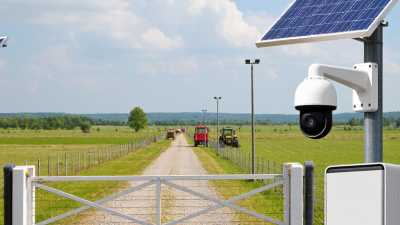
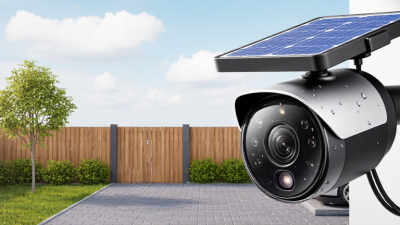
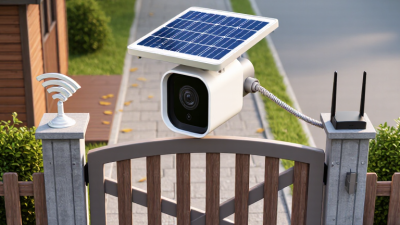
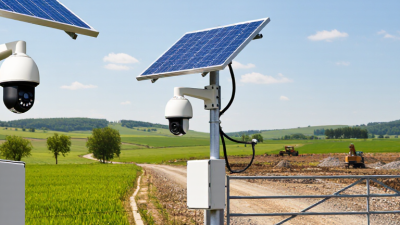
Top 10 Solar WiFi Cameras for Home Security
A reliable outdoor camera should do more than send alerts. It should capture a clear view, stay connected, and keep working when a power outlet is far away. Solar Wifi Cameras can help meet those needs by pairing a rechargeable battery with a solar panel, reducing the need for frequent manual charging. Still, performance depends on sunlight, placement, weather, and network strength. A shaded porch may not provide enough daily charge.
This guide to the Top 10 Solar WiFi Cameras for Home Security compares practical features, not just promotional claims. It considers video resolution, night vision, motion detection, storage options, app controls, weather resistance, and setup requirements. Look for details that match your home: a wide driveway may need a broader viewing angle, while a side gate might benefit from adjustable motion zones. Small details matter.
No camera is perfect. A solar panel cannot guarantee uninterrupted power, and WiFi coverage can weaken across walls or long distances. Installation also affects results; a panel pointed toward a roof overhang may receive little direct sun. The selections are intended to help readers compare options and identify trade-offs, not promise identical results in every home. Check current specifications, compatibility, and warranty terms before buying. A little research helps. Consider how much maintenance you are comfortable with, too. The best choice is the one that fits your property, privacy preferences, and everyday routine.
Understanding Solar WiFi Cameras and Their Main Components
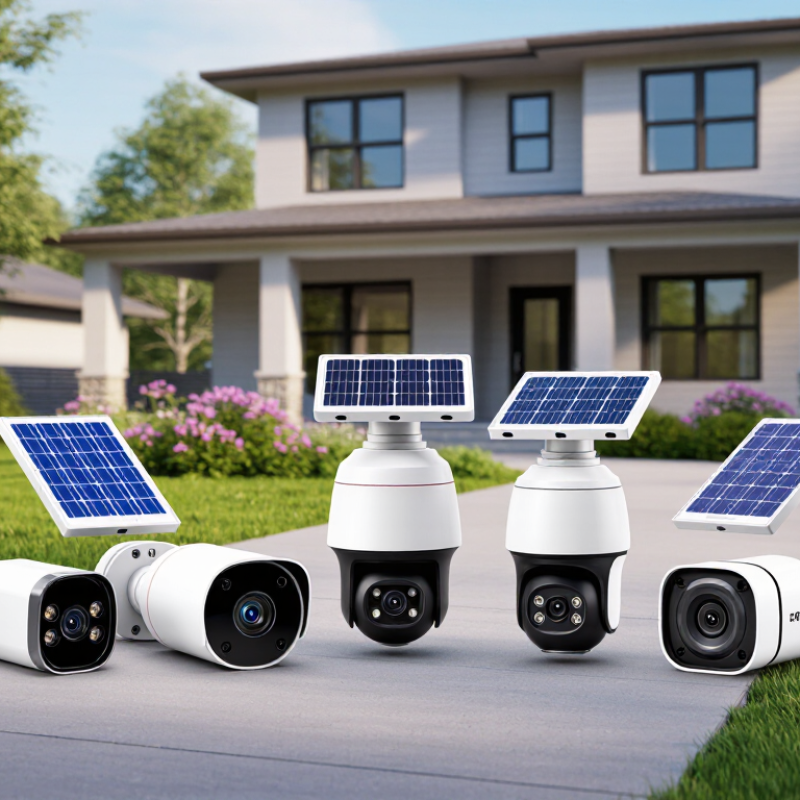
A solar WiFi camera combines a lens, image sensor, wireless radio, rechargeable battery, and solar panel. Each part has a separate job. The panel converts daylight into electricity, while the battery stores energy for cloudy hours and nighttime recording. That matters. A camera can still lose power if its panel receives too little sunlight for several days.
The image sensor captures light and turns it into video. Motion detection may trigger recording or send an alert, but sensitivity settings affect performance. A swaying branch can cause unnecessary notifications. WiFi carries footage or alerts between the camera and your home network; it does not supply power. Thick walls, metal siding, and distance from the router can weaken the signal. Check the connection where the camera will actually sit.
Weather-resistant housing protects the electronics from rain and dust, but it does not make every installation trouble-free. Angle the panel toward unobstructed daylight, and keep the lens clear of glare and overhanging leaves. Storage is another component to understand: some cameras use local memory, while others rely on network storage. Review how footage is saved, how long it remains available, and what happens during an internet outage. Small details matter more than a feature list suggests.
How Solar Power and WiFi Connectivity Work Together
Solar power and WiFi handle different jobs in a home security camera. The panel replenishes the camera’s battery; WiFi carries alerts and live video to your phone. When sunlight is weak, the camera may keep recording from its battery, but frequent motion events can drain it faster. A shaded eave or a panel facing away from the sun can make a noticeable difference.
NREL’s PVWatts calculator uses a 14% default system-loss assumption in its standard solar model. That figure is not a camera performance rating, but it illustrates why real-world output falls below ideal estimates. WiFi strength matters just as much: thick walls, metal siding, and distance from the router can interrupt uploads even when the battery is full. Put the camera where it has a clear view of the entry and a stable signal. Check both before fixing the panel in place. Small details matter. I still find signal quality easy to underestimate.
Tips: Test the WiFi at the exact mounting spot, not beside the router. Check the panel’s sun exposure at different times of day, and keep its surface clear of leaves and dust. If the connection drops, try repositioning the camera before assuming the solar panel is at fault.
Key Criteria for Comparing Home Security Cameras
When comparing solar WiFi cameras, look beyond advertised resolution. A sharp daytime image can still miss useful detail at night. Check the camera’s field of view, night-vision range, and whether faces remain clear near the edge of the frame. Solar performance matters just as much. Compare battery capacity, panel size, and expected sunlight requirements, then consider how often cloudy weather may interrupt charging. Small details matter.
WiFi reliability can determine whether alerts arrive promptly. Check the supported network bands and test the signal where you plan to mount the camera; an outdoor wall may weaken reception. Review detection settings, too. Adjustable activity zones can reduce alerts from passing cars or swaying branches. Compare storage options, retention periods, and account security features before choosing. A higher resolution may use more bandwidth and storage, so it is not automatically the best fit. This trade-off is easy to overlook.
Tips: Place the panel where it gets steady, direct sun, and keep it free of leaves and dust. Test the view at dusk. Review recorded clips after installation; detection settings often need adjustment, and the first setup may not be perfect.
Top 10 Solar WiFi Cameras for Home Security
A useful top-ten comparison of solar WiFi cameras should focus on dependable coverage, not impressive feature lists. Check whether the camera records locally during internet outages and whether its app clearly reports battery level and charging status. A live view is useful, but frequent alerts and video checks can drain power. Shade matters. A small panel may struggle beneath eaves or through winter cloud, even when the camera itself is efficient.
The solar market is expanding, but that does not guarantee reliable camera charging. IEA PVPS’s Snapshot of Global PV Markets 2024 estimates that at least 407 gigawatts of solar capacity were installed worldwide in 2023. For a home camera, placement still matters more than that global growth: test sunlight where the panel will sit, and leave room to adjust its angle. A north-facing wall in a shaded yard may produce disappointing results.
Security also depends on software and account protection. NIST’s NISTIR 8259A recommends core IoT safeguards, including secure configuration, data protection, and software updates. When comparing ten cameras, check update policies, two-factor sign-in, storage fees, and WiFi signal strength at the mounting point. That trade-off is easy to underestimate. A camera with excellent solar exposure can still miss events if its signal drops or motion settings are poorly tuned.
Top 10 Solar WiFi Cameras for Home Security
U.S. burglary offenses provide context for home security planning. This chart shows reported national estimates, not a ranking or test of camera models.
Source: FBI, Crime in the Nation statistics. Figures are estimated offenses.
Installation, Maintenance, and Privacy Considerations
Choose a mounting point with a clear view and several hours of direct sunlight. A panel shaded by an eave may not recharge the battery reliably. Check the Wi-Fi signal at the exact spot before drilling; a strong signal indoors can weaken near an exterior wall. Test the camera temporarily, then secure the mount and keep cables away from moving parts. Small details matter.
Solar cameras need occasional attention. Wipe dust and pollen from the panel with a soft, damp cloth, and check for new shade as plants grow. After heavy rain or strong wind, inspect the mount and housing for movement or damage. Battery life can dip during cloudy weeks or frequent recording, so review power settings before assuming the camera has failed. It is easy to forget seasonal changes.
Privacy deserves equal care. Aim the lens toward your own entryway, not neighboring windows or shared areas. A wider view is tempting, but it may capture more than necessary. Turn off audio recording if you do not need it, and review saved clips and retention settings regularly. Use a strong, unique account password, enable available sign-in protections, and install security updates promptly. Read the storage settings closely; cloud access and local recording can work differently than expected.