Leave Your Message

What Is the Best 4G Camera to Buy in 2026?

Choosing the best 4G Camera in 2026 is not simply a contest of megapixels or advertised range. A 4G Camera must stay connected where home Wi-Fi cannot reach. That changes what “best” means. Buyers need to weigh cellular coverage, image quality, power use, storage, and the real cost of a data plan.

The GSMA’s The Mobile Economy 2024 estimated that 4.6 billion people used mobile internet in 2023. Ericsson’s June 2024 Mobility Report put global 4G subscriptions at about 5.1 billion that year. These figures show why cellular cameras have a broad connectivity base, but they do not guarantee a signal at a remote gate, wooded property, or job site. A strong camera can still miss an alert when reception drops. Small detail. Check the carrier’s coverage at the exact mounting point, not just the nearest town.

The best choice depends on the job. A wildlife camera may need long battery life and reliable night images; a driveway camera may benefit more from fast alerts and easy app access. No model wins everywhere. No attributable quotation from a named 4G-camera specialist was provided or independently verified, so I will not invent one. This guide compares practical features and trade-offs, while treating manufacturer claims as claims—not field-test results. Expect a few compromises; that is part of choosing honestly.
What Is the Best 4G Camera to Buy in 2026?

How 4G Cameras Connect and Where They Are Used

What Is the Best 4G Camera to Buy in 2026?

How 4G Cameras Connect and Where They Are Used

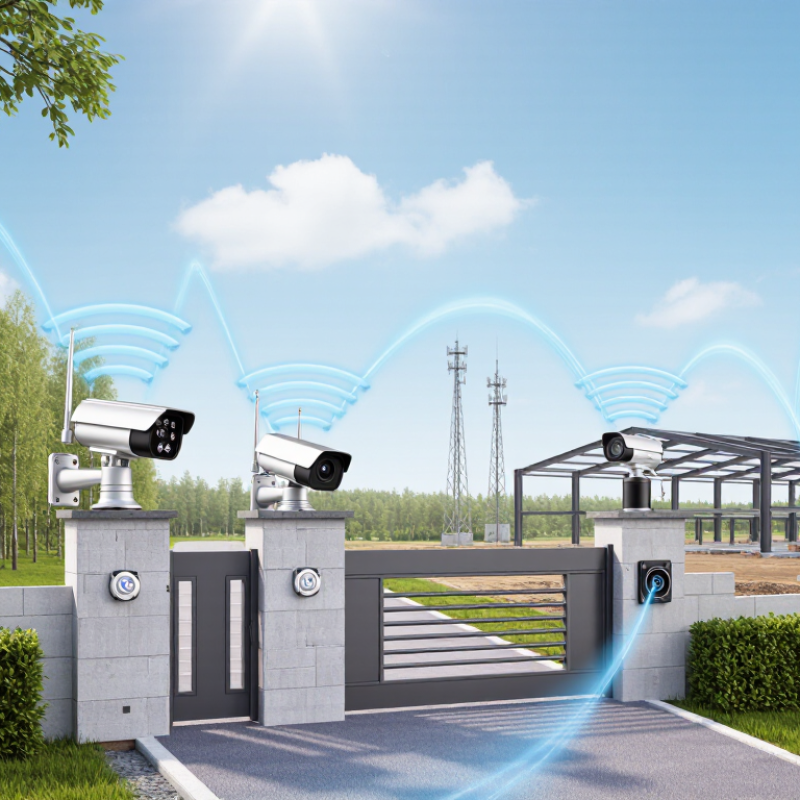
A 4G camera sends images over a mobile network instead of relying on a nearby Wi-Fi router. A SIM card connects it to a carrier’s LTE service, and the camera uses mobile data to deliver alerts or live video to an app. No router required. Yet signal strength matters: a camera behind a metal shed may perform worse than one mounted outdoors, even when both locations appear covered on a map. Check local reception, supported network bands, data costs, and power needs before choosing a model.

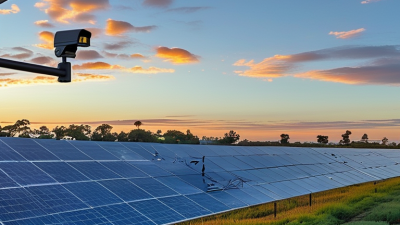
The connection is useful at farms, construction sites, remote cabins, and equipment yards where fixed broadband is unavailable or costly to install. For example, a land manager might place a camera near a gate to check deliveries from a phone. A solar panel can help at a sunny site, but shade, winter weather, and frequent video uploads can still drain a battery. The setup sounds simple. The details are not.

Ericsson’s June 2024 Mobility Report forecast that global 4G subscriptions would peak at 5.1 billion in 2024, then decline to 3.4 billion by 2030. That forecast suggests a large remaining LTE base, though service quality varies by location. The ITU’s Facts and Figures 2024 estimated that 5.5 billion people were online, while billions remained unconnected. These figures describe broader connectivity, not camera ownership. Still, they highlight why checking the actual signal at the installation point is more useful than trusting a coverage map alone.
Which Features Matter Most When Choosing a 4G Camera

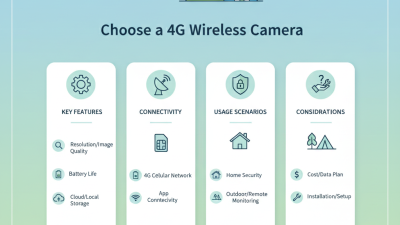
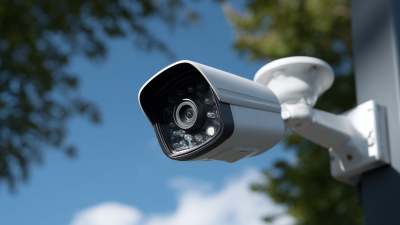
A strong 4G camera is not defined by megapixels alone. Start with reliable cellular reception: check which network bands it supports, then test signal strength at the exact mounting spot. Ericsson’s June 2024 Mobility Report estimated about 5.2 billion 4G subscriptions worldwide in 2024, but that does not guarantee dependable coverage at a rural gate or inside a metal shed. Battery life matters just as much. Frequent motion alerts, cold weather, and live viewing can drain a camera faster than a box estimate suggests. Choose adjustable detection zones, clear night footage, and local storage if cloud access fails. Useful details beat impressive-sounding specifications.

Tips: Test before mounting. Place the camera where it will be used, send a few test alerts, and review clips after dark. Check the cost of data plans and whether the device records during brief signal drops. A clear lens and a steady connection often matter more than extra resolution.

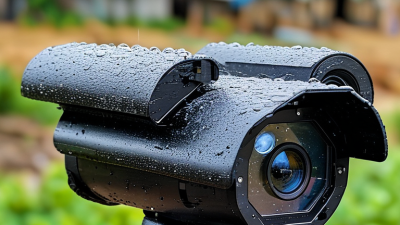
For outdoor use, look for a stated weather-resistance rating and secure account settings, including strong passwords and available two-step verification. GSMA’s Mobile Economy 2024 report counted 4.6 billion mobile internet users in 2023, showing how widely mobile access is used, but not how well a particular camera will connect. That distinction is easy to overlook. No specification sheet can replace a real-world signal test, and even a good camera may miss events if motion sensitivity is poorly adjusted.

How Power, Coverage, and Storage Affect Camera Performance

A 4G camera is only as dependable as its power source, mobile signal, and storage plan. The best choice in 2026 depends on where it will operate, not just its feature list. A camera watching a remote gate may send only a few alerts each day, while one facing a busy driveway can upload clips constantly. That difference affects battery life and data use.

Check coverage at the exact mounting spot, ideally with a phone using the same carrier network. A strong signal indoors does not guarantee reception beside a metal shed or under dense trees. Coverage is local. If possible, test before installation. Solar panels can reduce charging visits, but shade, short winter days, and camera activity all affect how much energy they provide. Cold weather can also reduce battery performance. Real conditions are messy.

Storage determines what happens after a recording. Local memory can keep clips available without continuous uploads, but someone must retrieve or replace the card if it fills or fails. Cloud storage allows remote access, though it usually depends on a stable connection and an ongoing plan. A camera recording frequent motion may consume far more space than expected. Review clip length, recording triggers, and retention settings during the first week. It is easy to miss a setting that creates gaps—or fills storage quickly.

Comparing 4G Camera Types for Different Monitoring Needs

The best 4G camera depends less on a feature list than on where it must work. Fixed outdoor cameras suit driveways, barns, and remote gates, where a stable mount and clear view matter most. Battery-powered models fit temporary sites or locations without mains power. Solar charging can reduce visits, but several cloudy days may still interrupt operation. Small details matter.

For broad areas, a 4G pan-tilt-zoom camera can scan multiple directions, though moving parts and zoom do not replace careful placement. A fixed-lens model often gives a simpler, steady view of one entrance. Ericsson’s June 2024 Mobility Report counted about 5.2 billion 4G subscriptions worldwide in 2023 and forecast continued use through 2029. That supports 4G’s relevance, but it does not guarantee strong signal at a specific property. Test reception where the camera will sit, not just at the roadside.

For wildlife observation or short-term work sites, compact battery cameras are easier to relocate; check trigger speed and storage options before buying. For indoor monitoring during internet outages, a cellular camera can provide a separate connection, but confirm that its app supports alerts and remote viewing. Compare image quality at night, data consumption, weather protection, and operating temperature. A high-resolution feed may use more data than expected. There is no perfect type: the right choice depends on power, signal, viewing angle, and how often you can maintain it.

How to Match a 4G Camera to Your Location and Budget

A 4G camera is most useful where Wi-Fi cannot reach, such as a garden gate, a remote shed, or a building site. Start by checking mobile signal at the exact mounting spot. A phone showing bars indoors does not guarantee a steady connection outside. If possible, test with the camera’s intended network before buying.

Match the power source to the location. A sunny, open fence may suit a solar-assisted model, while a shaded corner may need a larger battery or regular charging. Check the expected operating temperature and weather rating, too. Rain finds weak seals. At night, consider whether the camera can clearly show a person at the distance you need, not just produce a sharp-looking image in a product photo. A wider view can help, but it may make distant details harder to identify.

Set a realistic budget that includes more than the camera. SIM service, data use, storage, and mounting hardware can add recurring or upfront costs. Compare plans against how often you expect to view live video and save clips; constant streaming may consume more data than occasional motion alerts. A cheaper camera can be the sensible choice for a low-traffic area. I would not assume the lowest price is a bargain, though—poor signal or frequent charging can become a nuisance. Check the return policy and test the setup early.